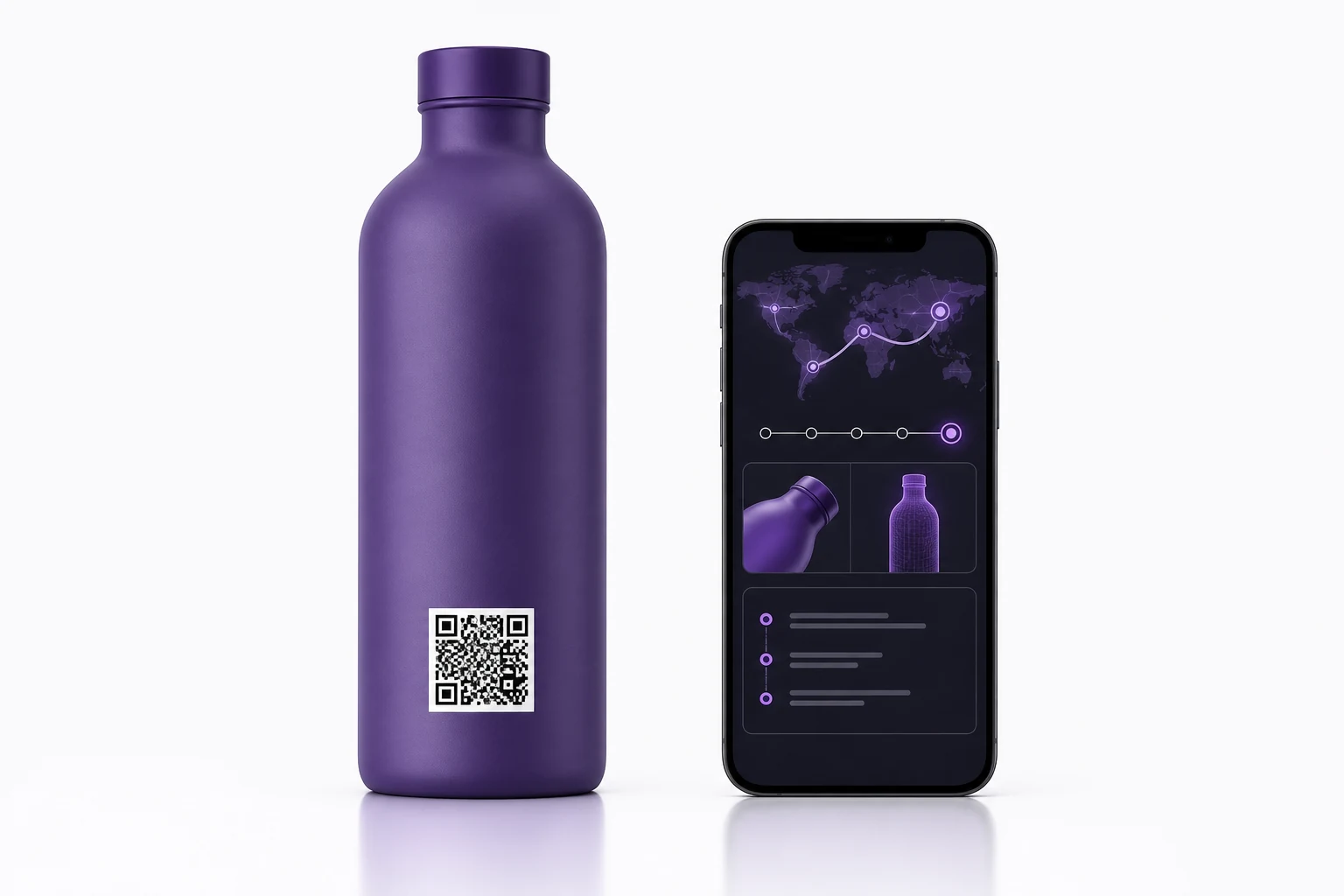
A connected package needs a scannable code physically integrated into the artwork and a durable digital destination that can manage content, identity, analytics, or serialization after production.
A QR code is small in area but large in consequence. Its modules, quiet zone, contrast, curvature, print quality, destination, and data policy must all work together. Treating it as a decorative icon added at the end creates avoidable scan and governance problems.
Decide what kind of identity you need
Static destination: Every package uses the same URL. This is appropriate for a stable product page, instructions, or campaign entry point.
Dynamic destination: The printed code remains stable while routing or content can be changed. This reduces the need to alter package artwork when the online experience evolves.
Serialized identity: Each item or defined packaging level receives a unique code. This can support product history, authentication signals, recall workflows, scan analytics, or supply-chain relationships.
PathmarkQR describes a serialization platform with unique code generation, product hierarchies, shipments, scan experiences, authenticity features, and analytics. See PathmarkQR.
Design the code as production artwork
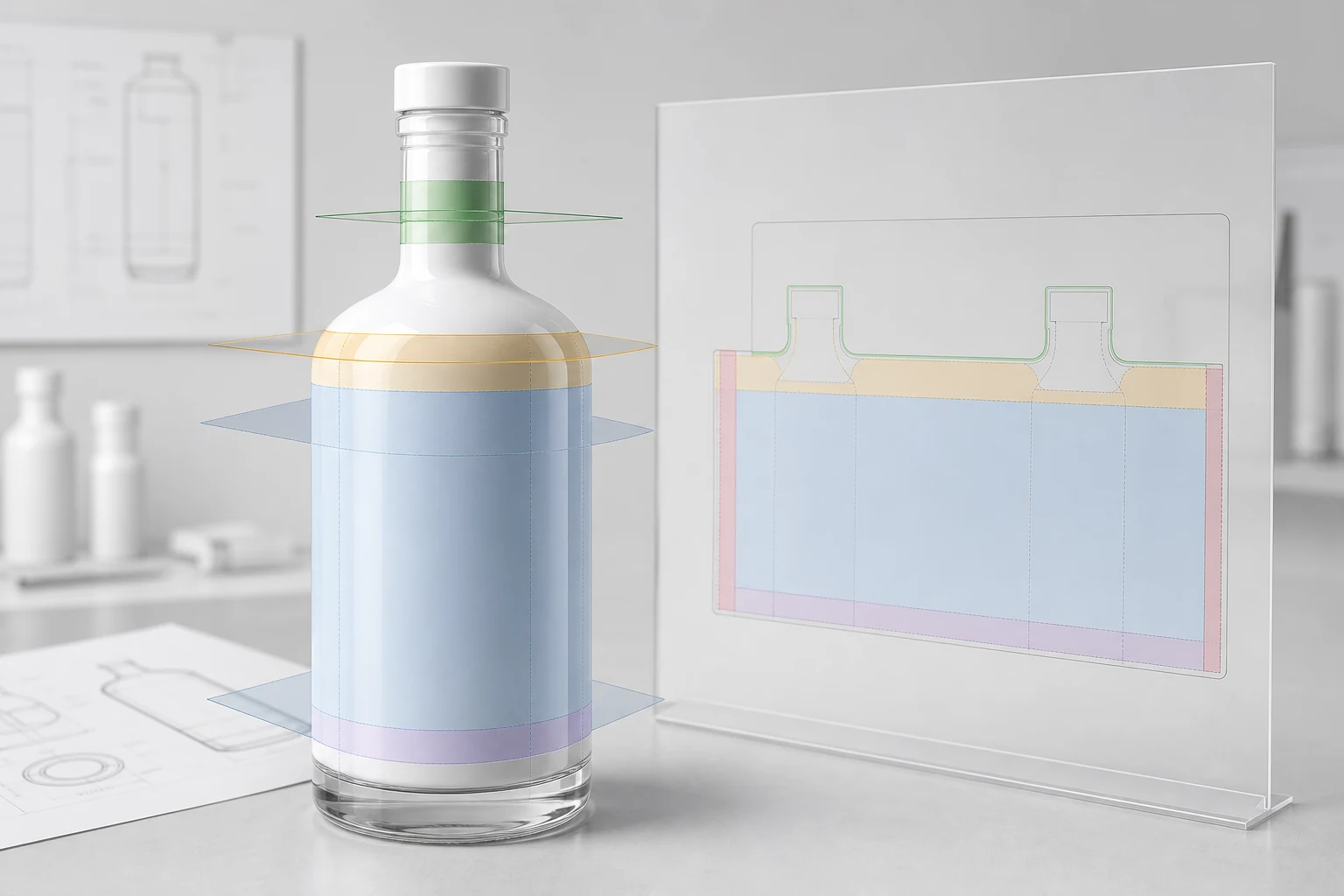
Keep the QR code square and preserve its quiet zone. Do not stretch it to fill a rectangular space. Use vector artwork where possible and avoid placing critical modules across a seam guard, severe taper, shoulder, or other unstable print region.
Provide sufficient contrast between modules and their immediate background. A white foundation may be needed over a dark, metallic, transparent, or visually active coating. The foundation must include the quiet zone, not just sit under the dark modules.
Decorative code treatments should be tested carefully. Rounded modules, embedded logos, color gradients, and reduced quiet zones consume error tolerance even when one prototype scans.
Size depends on the real scan system
There is no responsible universal minimum size for every package. The encoded data length, error correction, print process, curvature, viewing distance, camera, lighting, and surface reflection all matter.
Use a code no smaller than the validated production sample. Test across normal consumer phones, angles, distances, and lighting. Inspect after abrasion, moisture, filling, and packing simulation where those exposures apply.
GS1 Digital Link and ordinary web QR codes
An ordinary QR can encode a standard website URL. GS1 Digital Link provides a standardized URI structure that can connect GS1 identifiers such as a GTIN with online information and multiple applications.
GS1 explains that content behind a Digital Link can be updated without changing the on-pack QR code and that one code can act as a gateway for consumer and business information. See GS1 Digital Link.
The right choice depends on whether the program needs a simple consumer URL, GS1 identity, item-level serialization, or a combination.
Plan the digital lifecycle
The physical package may remain in market for years. The destination should outlive a short marketing campaign.
Define:
- Domain and resolver ownership
- Redirect and content-change authority
- Privacy notice and consent behavior
- Analytics retention and access
- Product, lot, or serial data model
- Response when a code is duplicated or scanned unexpectedly
- Process for recalls, discontinued products, and expired campaigns
- Availability monitoring and backup destination
Validate four layers
| Layer | Approval question |
|---|---|
| Symbol | Does the generated code contain the intended identifier or URL? |
| Are modules, contrast, quiet zone, and geometry preserved? | |
| Scan | Does it work across expected devices and environments? |
| Destination | Is the correct, secure, maintained experience returned? |
GS1 notes that 2D barcode images linking to online content may be scanned at any time and that their content should remain current. See the GS1 Product Image Specification.
Connect the quote and production record
Carry the code type, target URL or identity program, physical size, position, white foundation, print method, and scan-test requirement into the quote. For serialized production, define how code files are generated, exchanged, reconciled, rejected, and reported.
That turns the QR from a visual afterthought into an accountable package component.