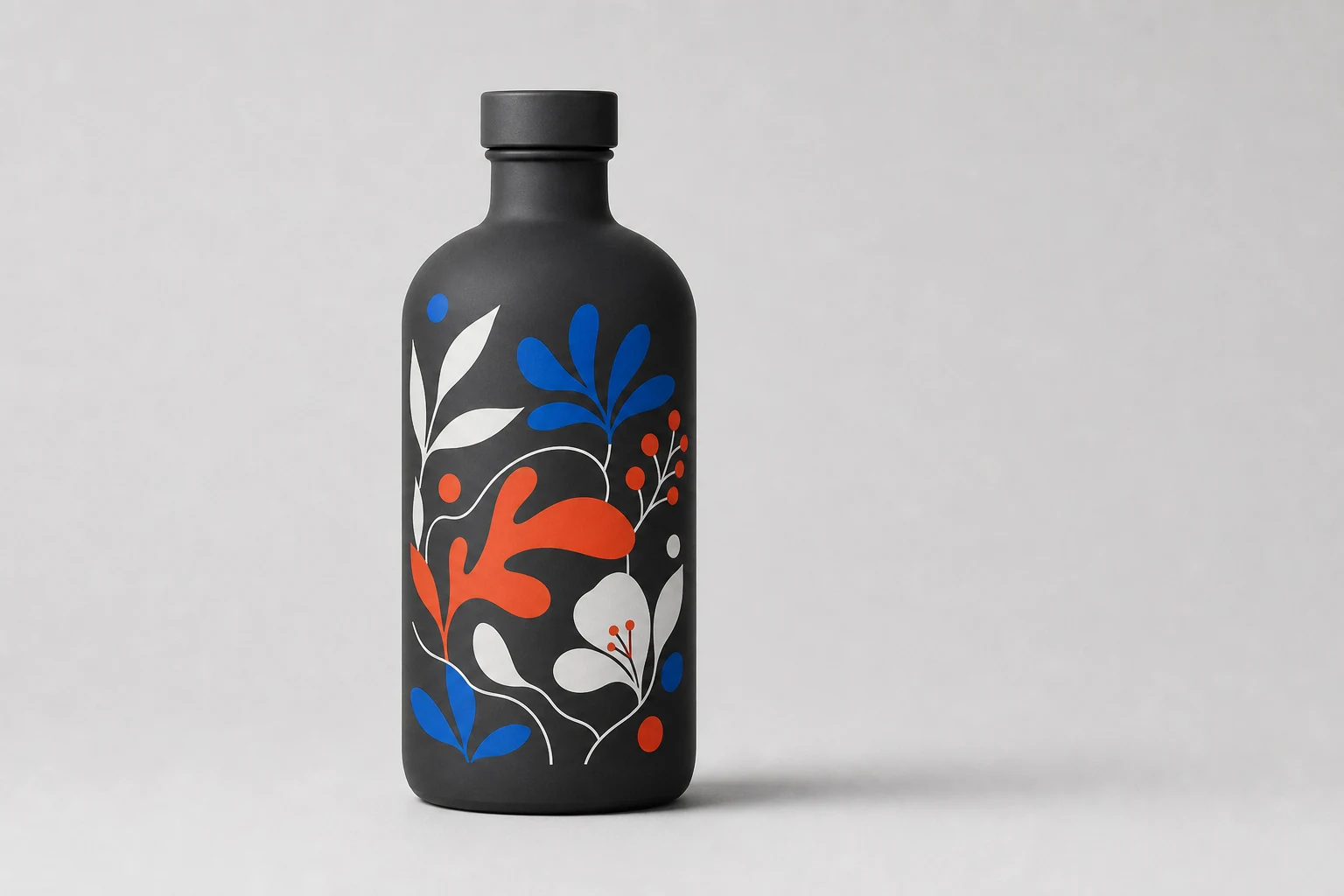
Supply editable vector identity, full-resolution linked imagery, named production separations, an accurate container template, and a composite reference rather than only a flattened JPEG or mockup.
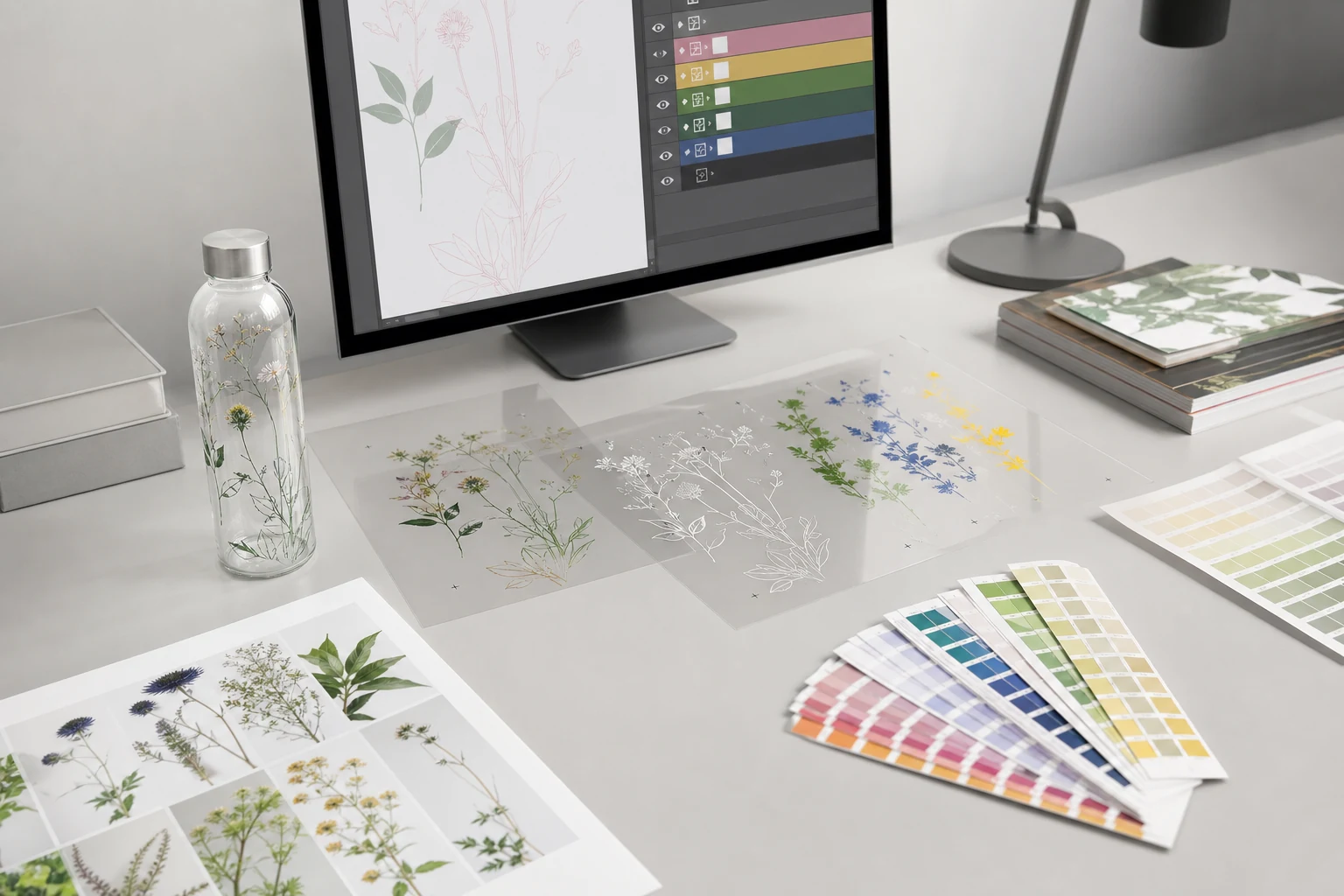
The best artwork package lets prepress understand the designer's intent and edit the production mechanics without rebuilding the design. It includes editable source files, high-quality assets, named separations, and a clear visual reference.
Use vector artwork where edges must remain exact
Logos, type, rules, icons, spot-color shapes, and QR code modules should generally remain vector. Vector graphics are resolution independent and can be resized without the pixelation associated with raster images. See Adobe's vector explanation.
Preferred editable formats depend on the decorator's workflow, but commonly include AI, EPS, or a well-constructed PDF. A PDF is not automatically editable or production ready; it can contain flattened low-resolution images, unembedded fonts, or ambiguous color builds.
Use raster imagery for continuous tone
Photographs, rendered textures, and continuous-tone illustration belong in raster form. Supply the original high-resolution image with its color profile. Avoid screenshots, web thumbnails, or repeatedly compressed JPEGs.
Resolution should be evaluated at final placed size. A 3000-pixel image placed very large can have lower effective resolution than a smaller numerical specification suggests. Keep an unflattened master for masks and retouching.
Define production colors
For screen print, name each intended spot color and ensure it appears on the correct objects. Do not leave duplicate swatches with nearly identical names or accidental CMYK equivalents.
For digital output, preserve the source profile and identify any spot colors that require special matching. For all methods, define white explicitly:
- Visible white artwork
- White underbase
- Areas with no white beneath transparent color
- Knockouts where the coating must remain open
Preserve transparency intentionally
Floating decoration depends on real transparency, not a white rectangle cropped close to the artwork. Check raster masks for halos and contaminated edges. Keep vector knockouts editable.
If an image fades into the background, define whether the fade reduces color, white, or both. Those choices produce different interactions with a dark, metallic, or translucent coating.
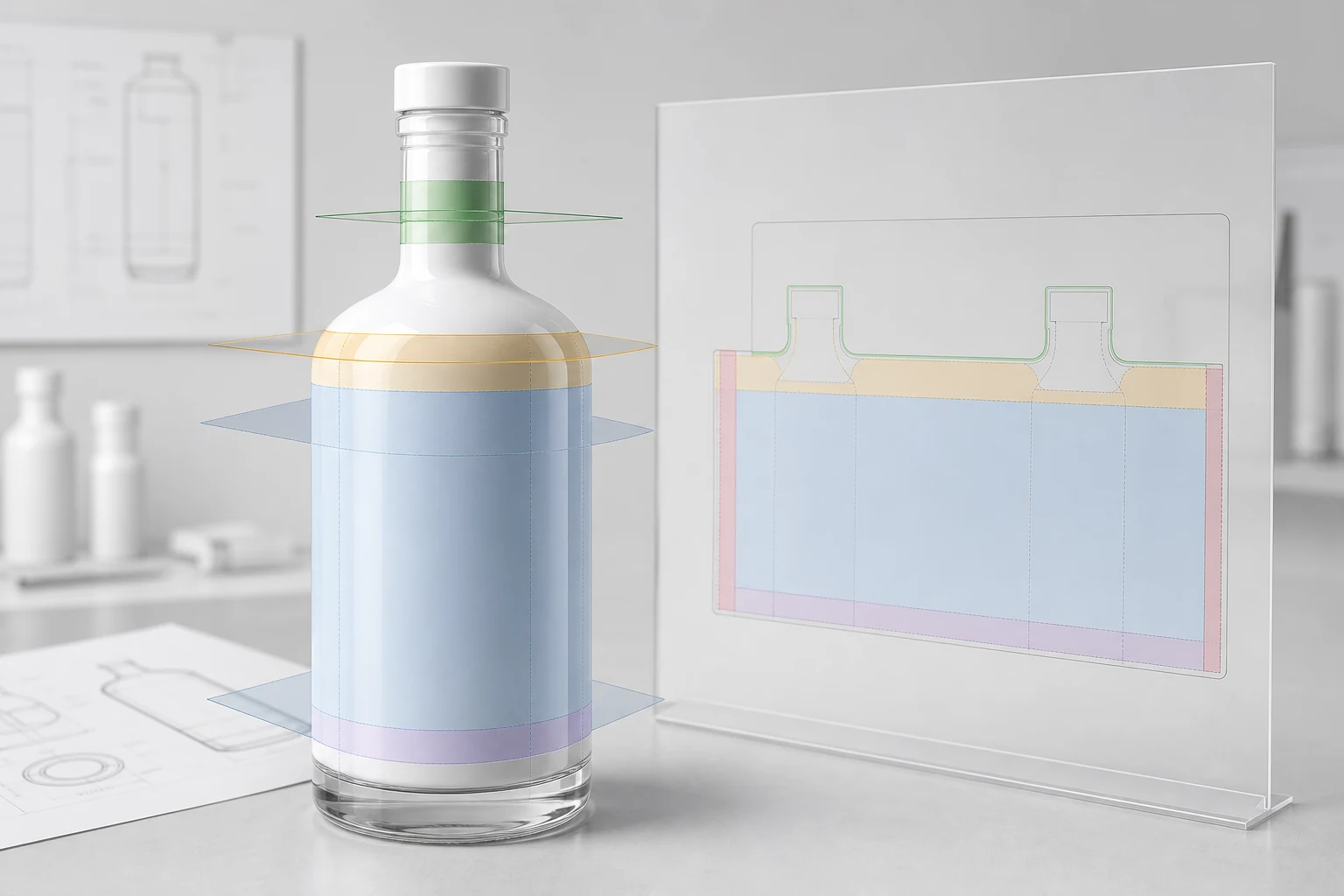
Use the correct package template
The artboard should represent the qualified print area of the production container. Include front center, back restricted area, top and bottom limits, and orientation. A visible three-dimensional mockup is useful, but it does not replace the measured production template.
Do not print on the bottle neck unless that area has been specifically developed and approved. Keep critical artwork away from shoulder and base transitions where geometry, handling, and printhead or screen contact become less predictable.
Production file checklist
- Editable AI or equivalent source file
- Production PDF showing the intended composite
- Linked or embedded high-resolution images
- Embedded ICC profiles for raster assets
- Named spot colors and special channels
- Fonts supplied where permitted, plus outlined final display type if requested
- QR or barcode as vector artwork with preserved quiet zone
- Separate dimensions and dieline layer that does not print
- Clear front, back, top, and bottom orientation
- No hidden alternate designs or unused linked images
- Notes identifying coating color and finish beneath the artwork
Adobe's export documentation notes that ICC profiles can be embedded and that changing color models can alter transparent artwork, particularly where blending modes are involved. Preserve the source and let prepress make controlled conversions. See Adobe export guidance.
What not to send alone
- A JPEG pasted into an email
- A screenshot of a bottle mockup
- A Canva or presentation export without source assets
- A PDF with all colors converted to one unidentified process build
- An artwork file where the dieline and dimensions are printable objects
- A QR code copied from a low-resolution web preview
These can communicate direction, but they are not complete production files.