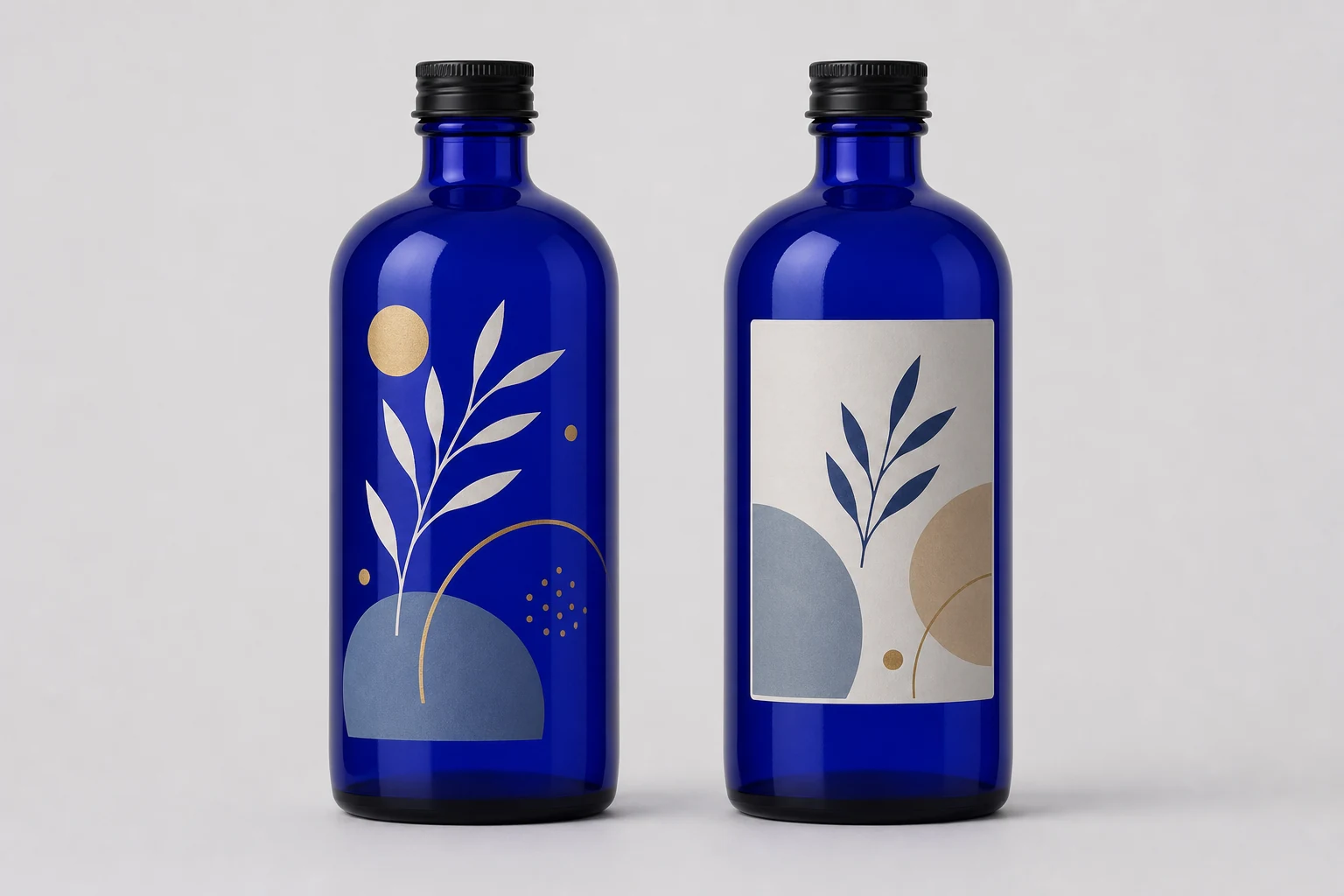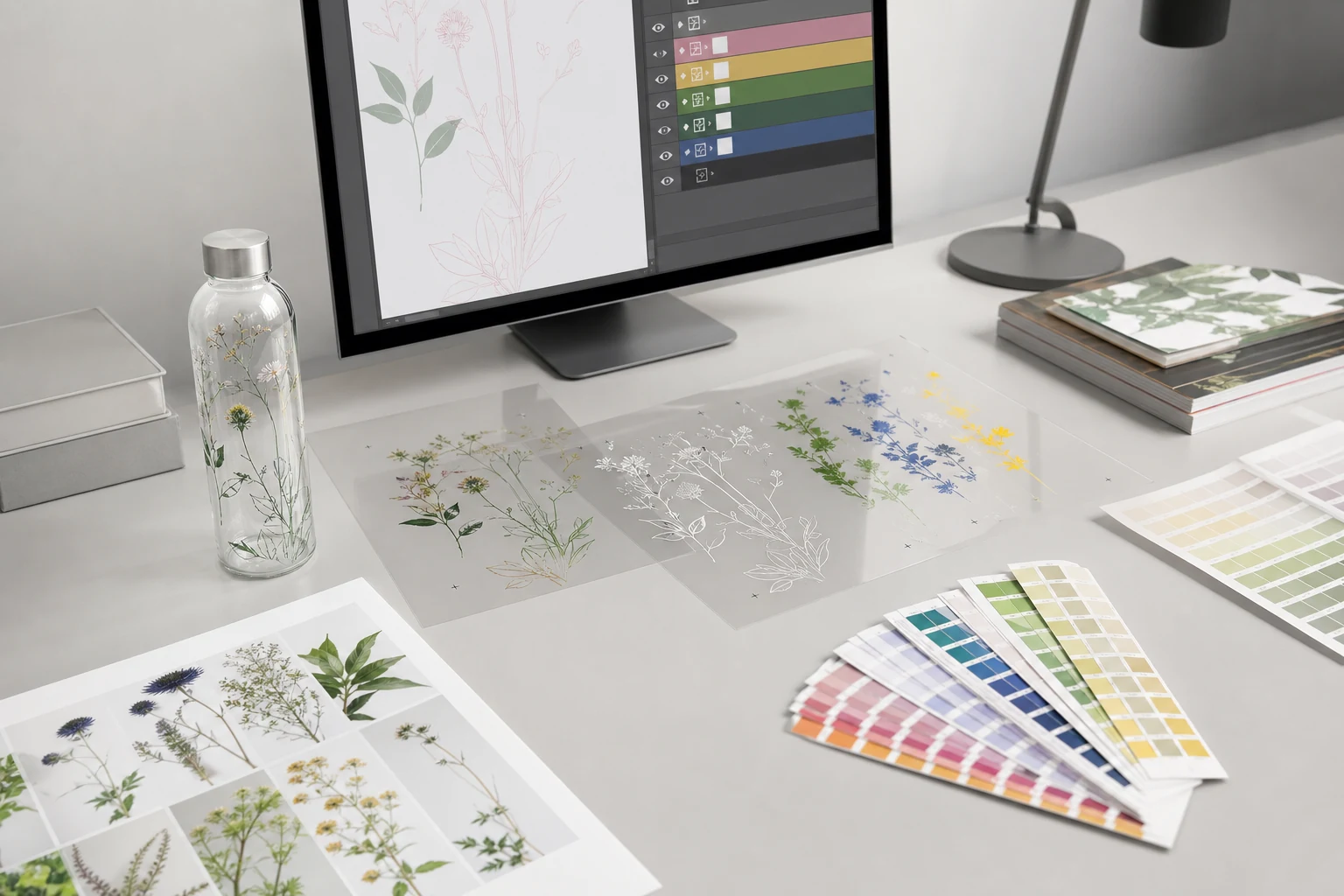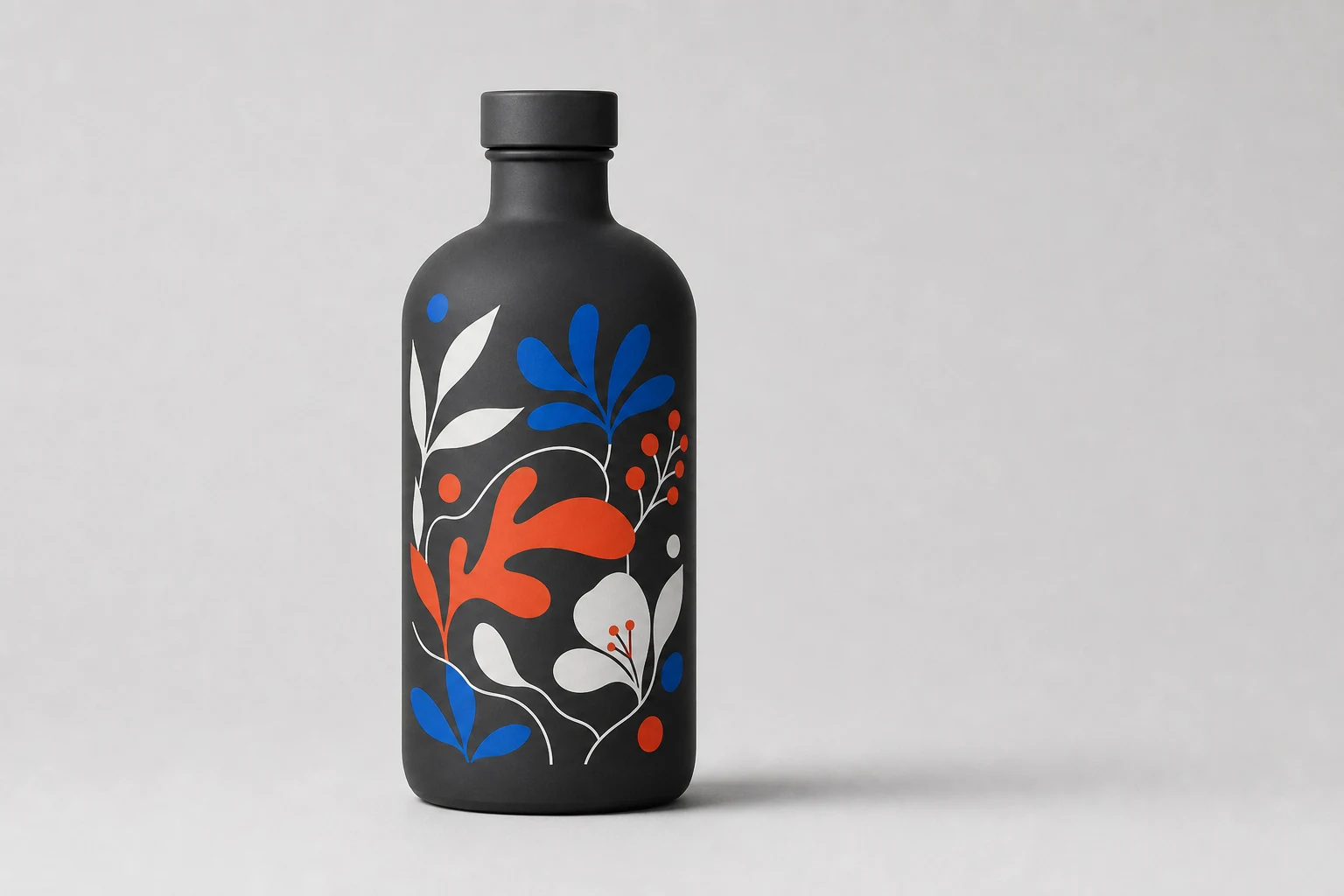
Strong three-color screen print uses vector spot-color separations, production-safe detail, deliberate overlap, and open areas that let the coated bottle become part of the artwork.
A three-color limit is not merely a technical restriction. It is a design system. The most convincing screen-printed packages use each color for a clear role and allow the background coating to function as an additional visual field.
Think in separations, not a flattened image
Each screen-print color should be supplied and evaluated as a distinct separation. Name spot colors clearly and avoid building them from accidental process-color mixtures. Keep a visual composite for reference, but preserve the editable objects that create each plate.
Vector artwork is preferred for logos, type, lines, and geometric forms because it is resolution independent. Adobe describes vector graphics as scalable without loss of quality, which makes them suitable for production resizing and separation. See the Adobe Illustrator FAQ.
Give every color a job
A disciplined palette might use:
- Color one for the brand mark and primary recognition
- Color two for product family or variant coding
- Color three for an accent, detail, or required copy
White is a production color when it is printed. On dark or transparent surfaces, it may be a visible element, an underbase beneath another color, or both. Define those roles explicitly because they affect screen count and registration.
Design with the background, not over it
Direct printing becomes distinctive when the powder coating remains visible between elements. Remove the rectangular “label” field unless the design genuinely needs it. Use knockouts and open space to expose matte, metallic, frost, or prismatic areas.
This also prevents the artwork from becoming an opaque patch that ignores the package material. The background can provide the fourth major color without requiring a fourth printed separation.
Registration and trapping
Perfect mathematical alignment is not a production strategy. Two colors that meet at a critical edge may reveal a hairline gap if normal registration varies. Trapping creates a controlled overlap so small movement does not expose the background.
The correct trap depends on the artwork, ink opacity, color order, mesh, container geometry, and process capability. Do not apply a universal value without the printer's input. Use the proof to confirm how overlaps change the visible color.
Protect fine detail
Very thin positive lines can break or print inconsistently. Very small reversed lines can fill. Fine type becomes especially vulnerable on textured, flaked, or strongly curved areas.
Ask the decorator for method-specific minimums for:
- Positive line weight
- Reversed line weight
- Positive and reversed type
- Halftone frequency and tonal range
- Gap between independent elements
- Trap and choke
- Printable wrap and vertical limits
These are capabilities of a specific ink, screen, machine, container, and surface combination, not universal constants.
Curvature changes the drawing
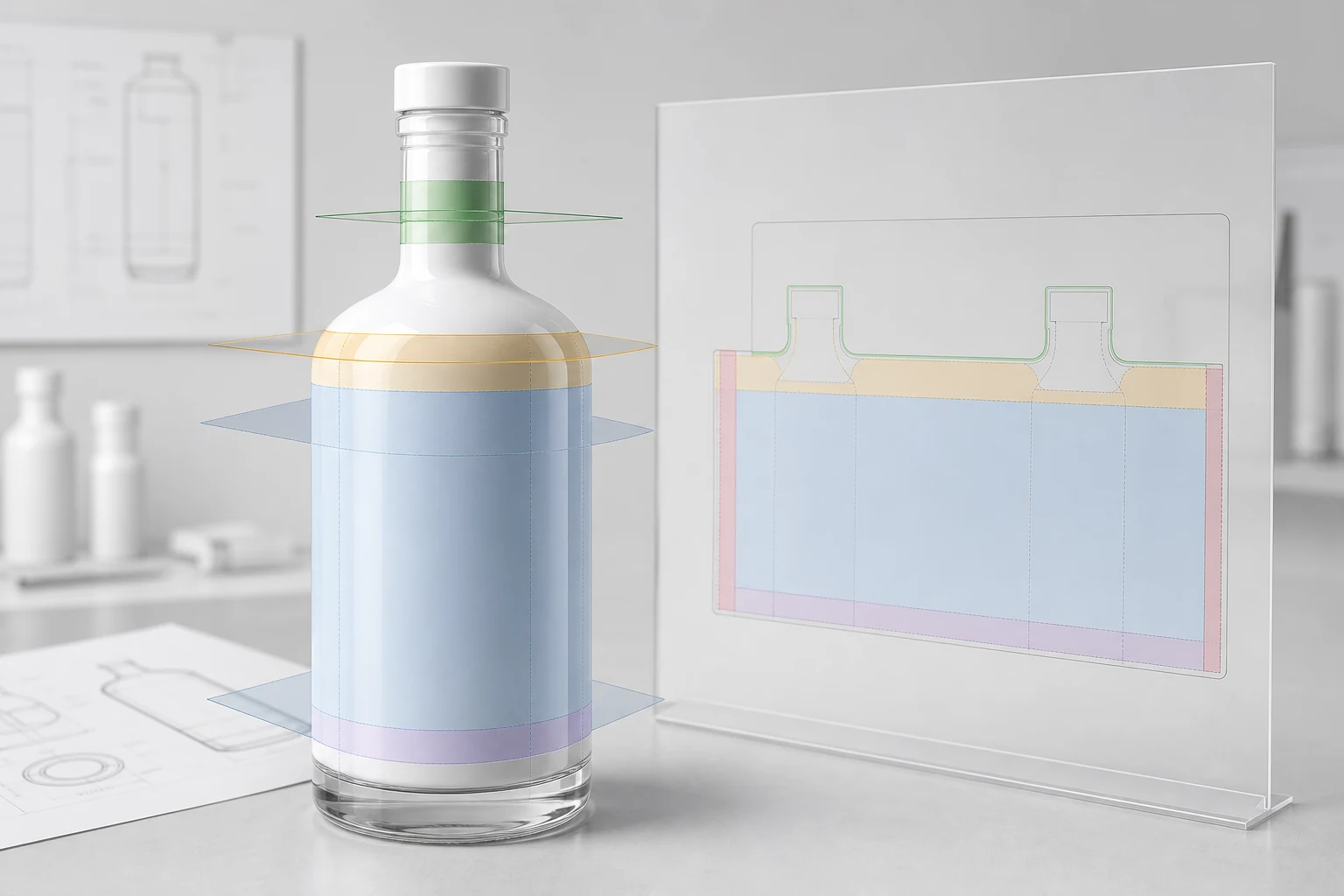
A cylindrical bottle can usually support a broad wrap on the straight body. A taper changes circumferential distance with height and can distort horizontal registration. Compound curves and shoulders reduce the stable contact area further.
Keep critical symbols and small copy away from transitions. Use a production dieline or distortion template made for the actual container rather than scaling a rectangular design until it appears to fit.
Preflight checklist
- Supply editable vector artwork with linked or embedded references.
- Define each print color as a named spot separation.
- Identify printed white, underbase white, varnish, and knockout areas.
- Convert final display type to outlines while retaining an editable master.
- Remove hidden objects, unused colors, and unintended transparency.
- Confirm the artwork front, back restriction, and closure orientation.
- Include a composite PDF and a separation preview.
- Approve the result over the exact coating and container.
ISO's guidance for print production standards lists screen printing under ISO 12647-5 and emphasizes process-dependent, preflighted production data. The package-specific printer remains the authority for the final file and proof requirements. See ISO print production guidance.