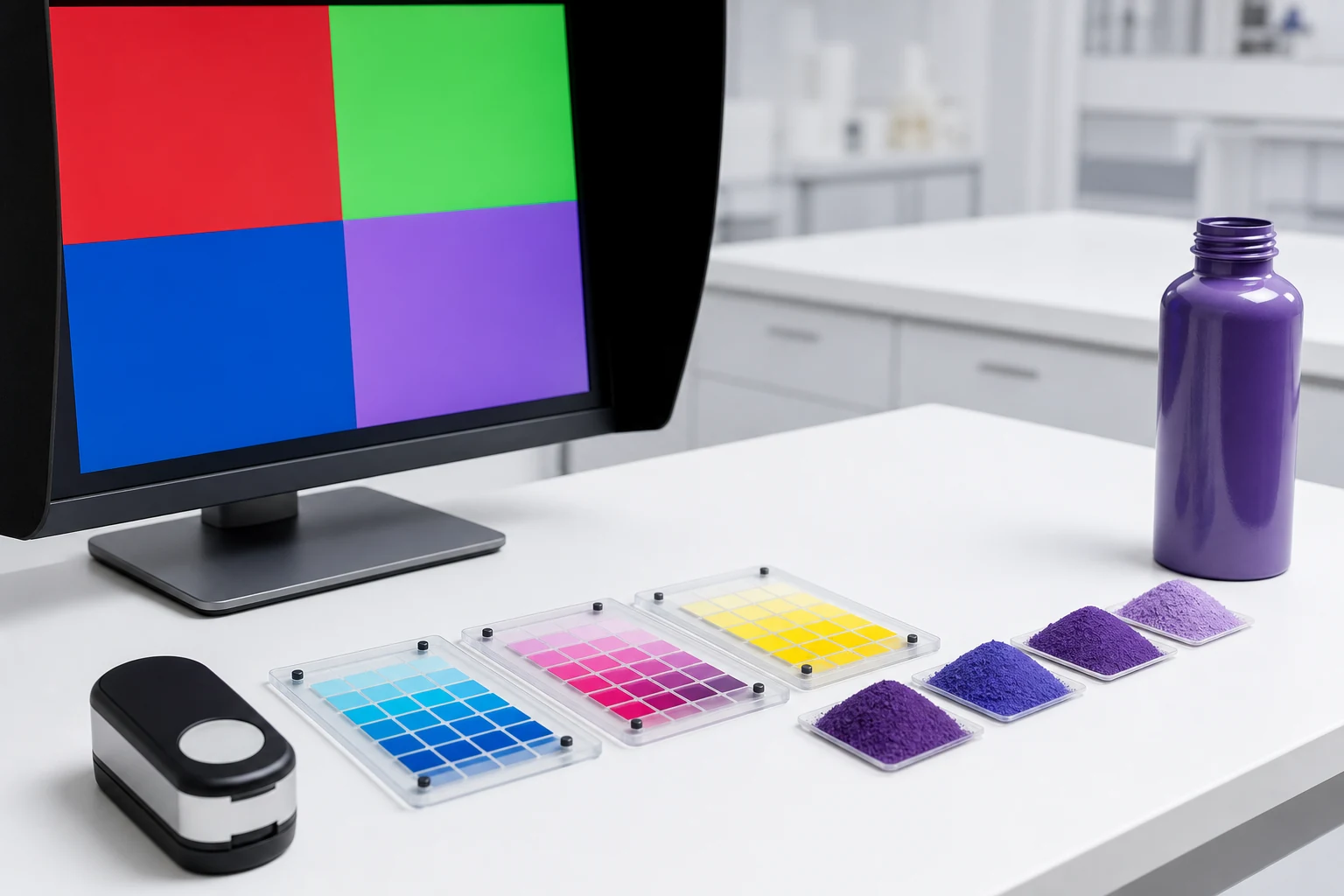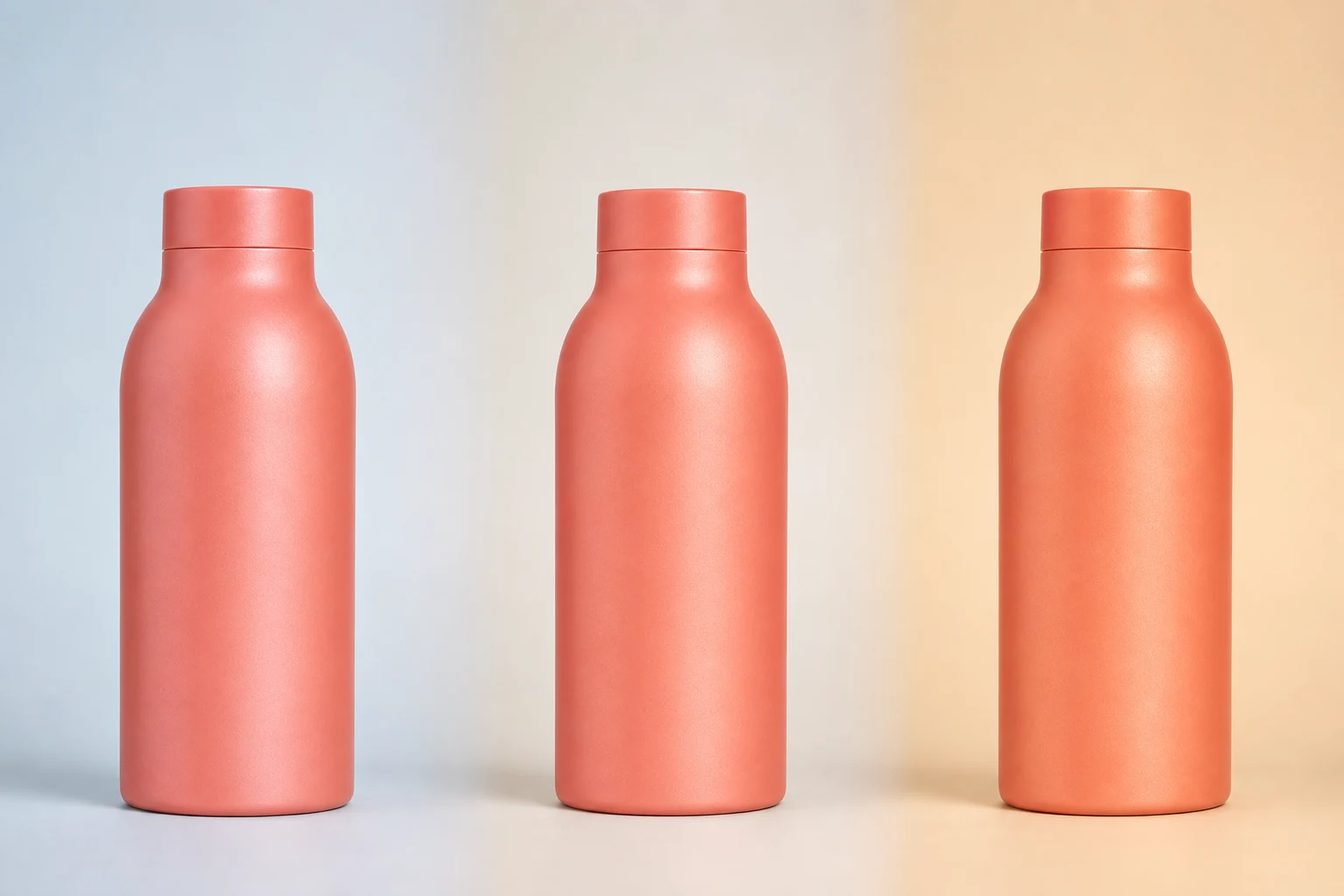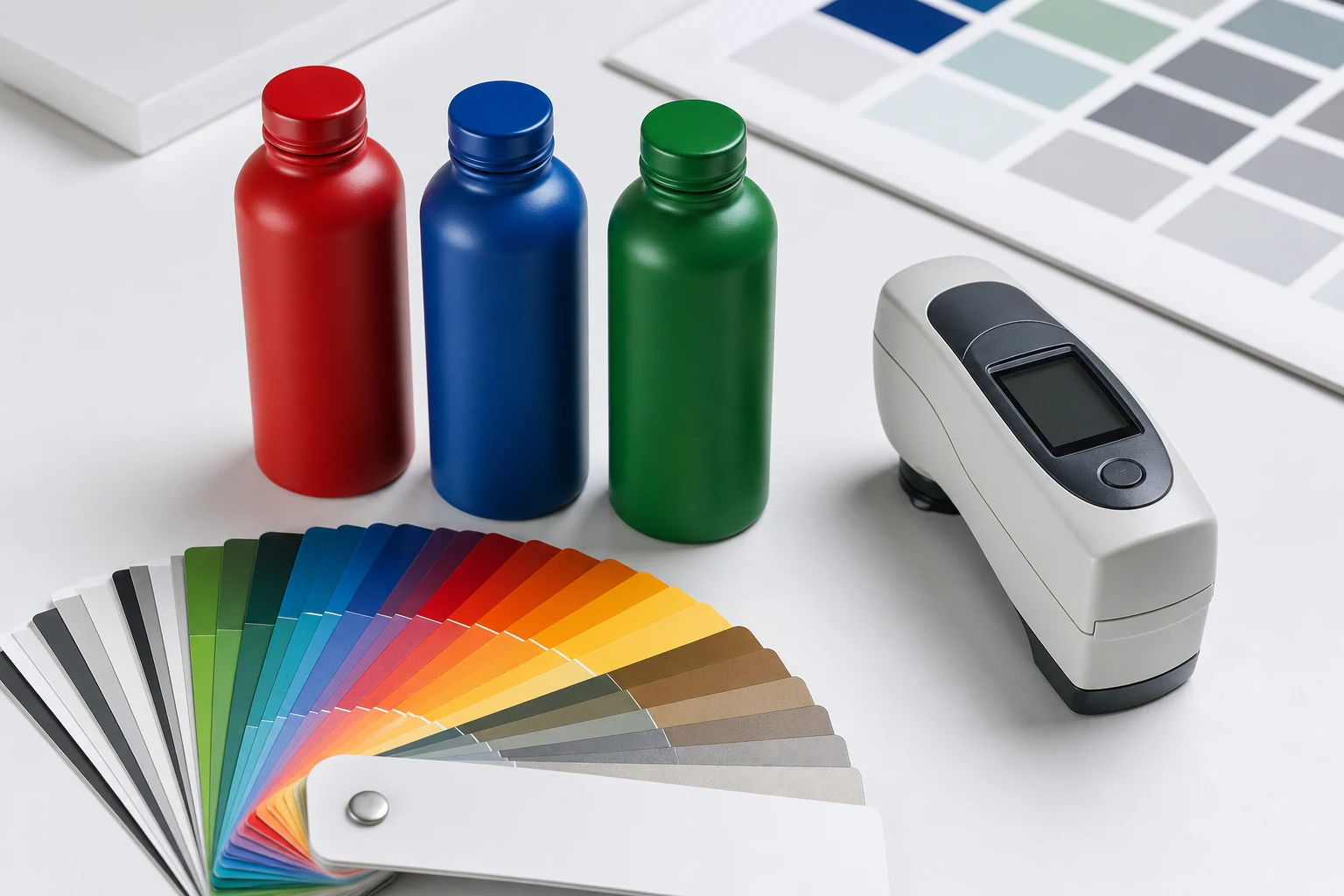
RAL provides a shared physical color target for powder programs, but the selected RAL reference still has to be matched, sampled, and approved on the actual substrate, finish, and container geometry.
RAL is useful in powder coating because it gives design, procurement, coating, and quality teams a common reference. It does not eliminate matching work. A RAL identifier names a target; it does not guarantee that every powder chemistry, gloss level, substrate, and application will look identical.
RAL CLASSIC and RAL DESIGN SYSTEM plus
RAL CLASSIC is a historically assembled collection containing 216 shades. Its four-digit numbering uses the first digit to indicate broad color family: yellow, orange, red, purple, blue, green, gray, brown, and white or black.
RAL DESIGN SYSTEM plus is organized more systematically around hue, lightness, and chroma in relation to CIELAB. This makes it useful when exploring a broader color space or finding a nearby structured alternative.
RAL explains both systems in its official FAQ. It also notes that CLASSIC is not mathematically distributed through color space, while DESIGN SYSTEM plus follows a structured colorimetric organization.
| Need | Useful starting system |
|---|---|
| Recognized industrial or architectural target | RAL CLASSIC |
| Broader, systematically organized color exploration | RAL DESIGN SYSTEM plus |
| Fast communication with a powder supplier | Confirm which physical RAL deck and finish |
| Final package approval | Coated production-representative sample |
Select with a physical reference
Computer displays show emitted RGB light. A powder-coated bottle reflects its environment. Even a calibrated monitor cannot reproduce gloss, flake, texture, translucency, curvature, or angle-dependent color shift.
Use the on-screen matcher to narrow the field, then identify the target using a current physical RAL sample viewed in controlled light. Record the collection, code, sample format, gloss or sample condition, and viewing light.
Find the nearest available color
When a brand supplies HEX, RGB, CMYK, Pantone, paint, fabric, or an existing package, the target may not correspond exactly to an available RAL shade. The goal is then to find useful candidates, not to declare a mathematically “exact” conversion.
A good process is:
- Identify the authoritative source: physical sample, spectral data, or digital value.
- Convert digital values into a device-independent comparison space where possible.
- Calculate or visually identify nearby RAL candidates.
- Compare candidates as physical references.
- Produce coated samples using the intended chemistry and sheen.
- Approve the final package, not the conversion screen.
The International Color Consortium explains why profiles connect device-dependent RGB or CMYK values through a device-independent reference space such as CIELAB. See the ICC profile format overview.
Finish changes the perceived match
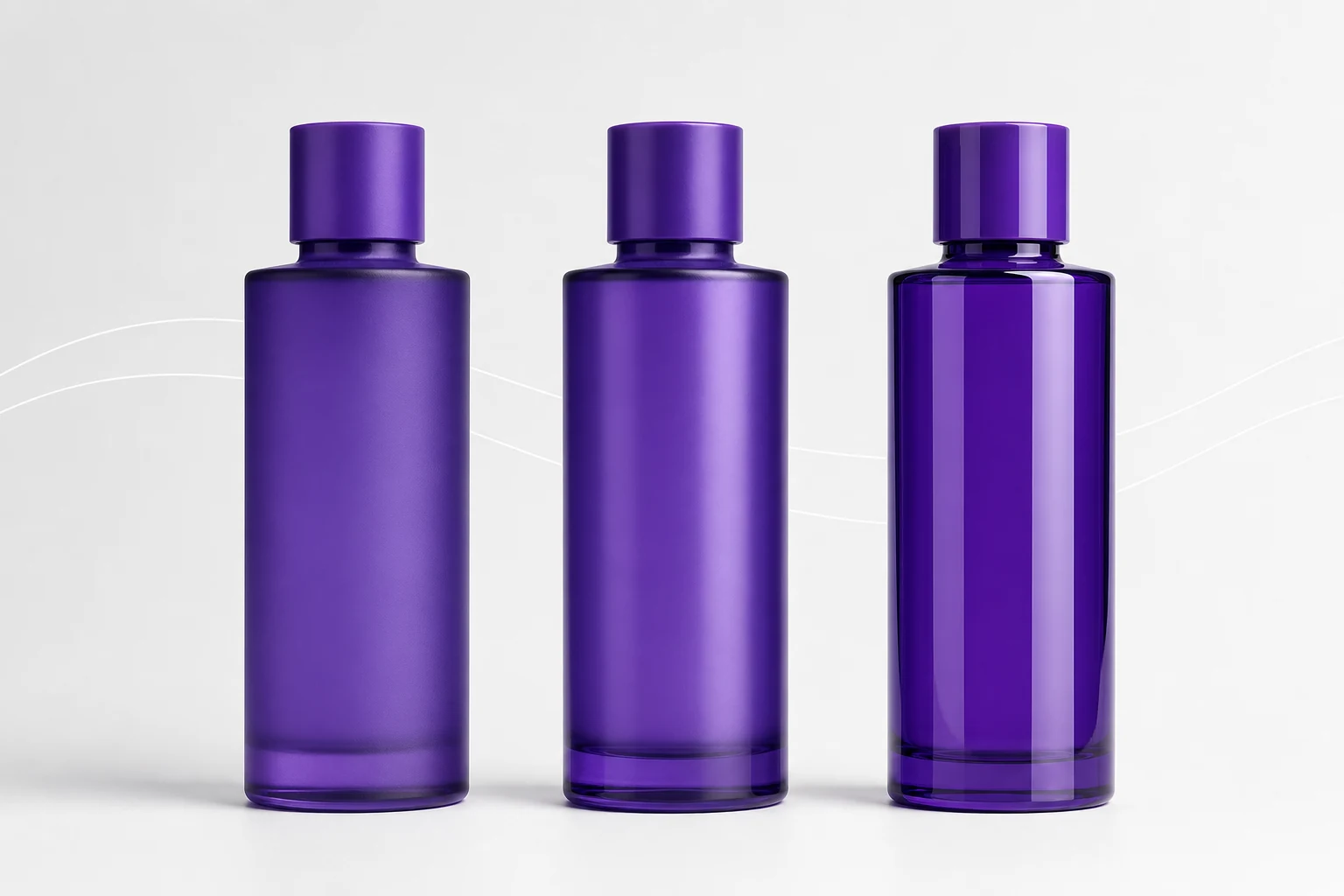
The same nominal shade can appear deeper in gloss, quieter in matte, or more variable when metallic flake is introduced. Texture changes highlight structure. A transparent frost effect adds the glass and product behind it to the final color.
Always specify color and finish together:
- RAL collection and code
- Powder or coating chemistry
- Matte, satin, gloss, or measured sheen target
- Solid, frost, metallic, flake, pearl, or prismatic effect
- Glass or metal substrate and base condition
- Filled or empty viewing condition where relevant
Control production without overpromising
Color tolerance should be agreed using a physical master, instrumental method where appropriate, and visual inspection under controlled light. A single Delta E number without measurement geometry, illuminant, observer, formula, sample curvature, and acceptance method is incomplete.
Curved packages can be difficult to measure repeatably. Use fixtures or defined locations and supplement data with trained visual review. Metallic and prismatic surfaces require particular caution because angle changes the measurement and visual result.
What Bottle Coatings' matcher is for
The color matcher is a direction-setting tool. It helps a user:
- Explore the broad color field without displaying every swatch at once
- Enter HEX, RGB, or CMYK targets
- Identify nearby RAL CLASSIC and extended candidates
- Apply a selected candidate to the live package preview
- Carry the selected RAL reference into a quote request
It does not replace a physical sample or production approval. That distinction should remain visible throughout the project.